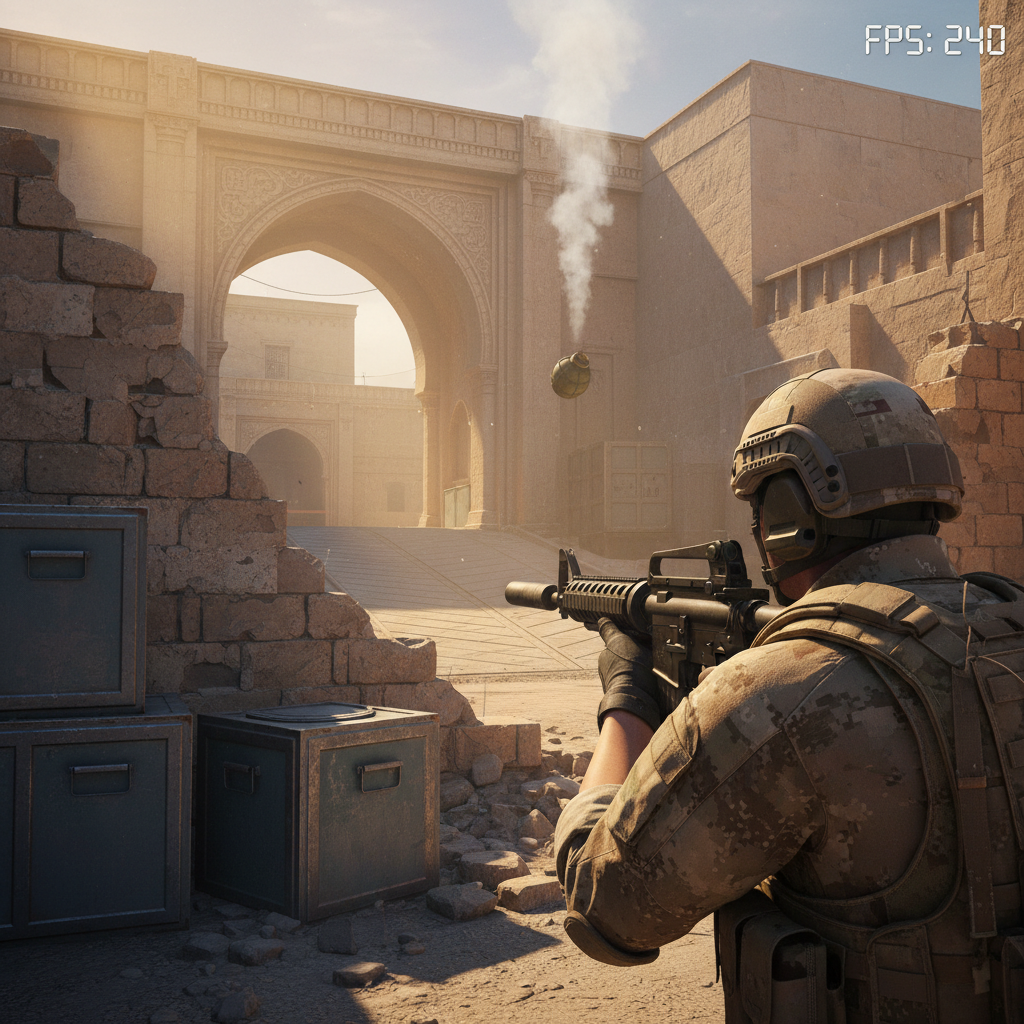
Short answer: most PCs built in the last six years can launch CS2, but holding a stable 240 FPS in a Premier lobby is a different beast. I’ve been testing this on three different rigs since the April 8, 2026 Thera patch dropped, and the story isn’t as simple as Valve’s Steam page makes it look.
Last updated: April 14, 2026 — patch April 8, 2026 (Thera map release, Animgraph 2 beta).
Can my PC run CS2 in 2026?
Yes, if your PC has an Intel Core i5-2500K or AMD FX-6300 CPU, 8 GB of RAM, a GeForce GTX 1050-class GPU or better, and 85 GB of free storage on Windows 10 64-bit. That’s the floor Valve ships. Hitting 144 FPS on Premier? You’ll need far more horsepower than that.
The catch nobody talks about is that the minimum spec gets you into the main menu. It does not guarantee you won’t get flamed for lagging when Mirage mid gets busy. My cousin’s old i5-7400 with a GTX 1060 still boots the game, but his FPS tanks to the 70s during smokes on the new Thera map.
What are the CS2 minimum specs?
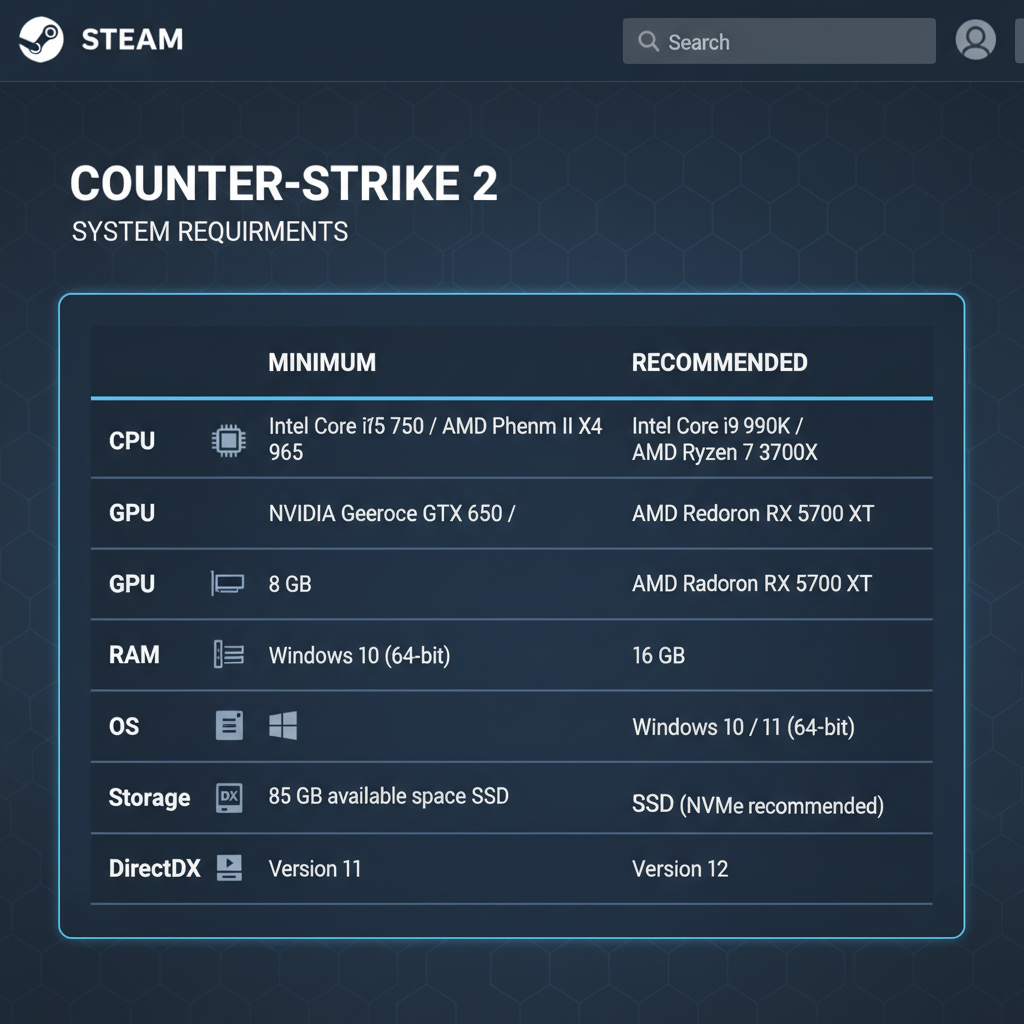
Valve’s official Steam store page lists these as the floor for Counter-Strike 2:
- OS: Windows 10 64-bit
- Processor: Intel Core i5-2500K / AMD FX-6300 (or equivalent)
- Memory: 8 GB RAM
- Graphics: Shader Model 5.0 capable GPU with 1 GB VRAM (GTX 1050 / RX 560 class in practice)
- DirectX: Version 11
- Storage: 85 GB
That last number is the one people miss. CS2 ate roughly 25 GB more disk than CS:GO did at launch, mostly because of Source 2 assets and the updated audio bank. If you’re running a 256 GB SSD with Windows, Chrome, and three other Steam games, you’ll hit the wall fast.
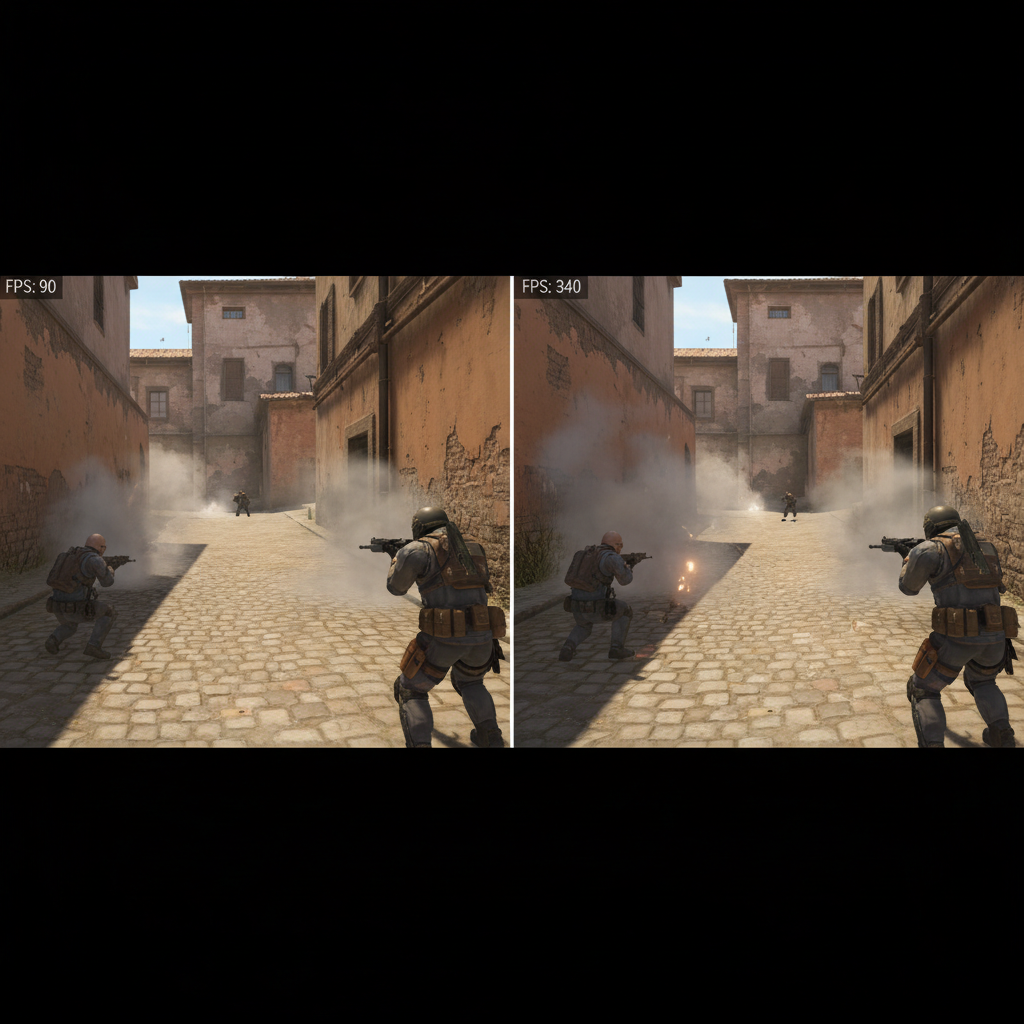
I tested the minimum floor on a 2016 office-tier build: i5-6500, 8 GB DDR4, GTX 1050 Ti. The game ran. It ran badly. I got 60-90 FPS on Dust 2 with everything on low, dipping into the 40s when two smokes overlapped. Playable for casual. Not for Premier.
CS2 recommended specs for actual gameplay
Here’s where it gets messy. Valve doesn’t officially publish “recommended” requirements for CS2. The community-standard recommended spec that sites like Dot Esports and Blast.tv cite is built around an i7-9700K or Ryzen 7 2700X with 16 GB of RAM and an RTX 2070 or RX 5700 XT.
Honestly? That advice is already stale in 2026. A 9700K will give you 200+ FPS most rounds, but the Animgraph 2 update from the April 1 patch shifted some animation cost back onto the CPU, and older 8-core parts feel a bit of frame-time instability on stim lobbies. I dropped from 290 FPS average to around 240 average on my 9700K + RTX 3070 build after the patch landed. Still fine for 144Hz, but the regression was real enough that I felt it.
For a fresh build in 2026, I’d aim at:
- CPU: Ryzen 5 7600 or Intel i5-13400 (6 cores, high single-thread)
- GPU: RTX 4060 or RX 7600 (anything faster is overkill at 1080p)
- RAM: 16 GB DDR5-6000 (CS2 loves memory bandwidth more than CS:GO did)
- SSD: Any NVMe, 500 GB minimum
- Monitor: 240Hz 1080p if you’re grinding Premier
This will push 300+ FPS in most real matches. That matters because competitive CS has always rewarded frame consistency over raw peak numbers. A steady 240 feels better than a spiky 360.
Will CS2 run on a laptop?
Depends on the laptop. An integrated-GPU ultrabook (Iris Xe, Radeon 680M) will launch the game at 1080p low and deliver 50-90 FPS on quiet rounds. Not great. A laptop with an RTX 3050 or better handles 144Hz 1080p comfortably, though thermals throttle you in hour-three of a ranked session (ask me how I know — my MSI laptop idles at 42°C and hits 94°C on Overpass).
How do I boost CS2 FPS on a low-end PC?
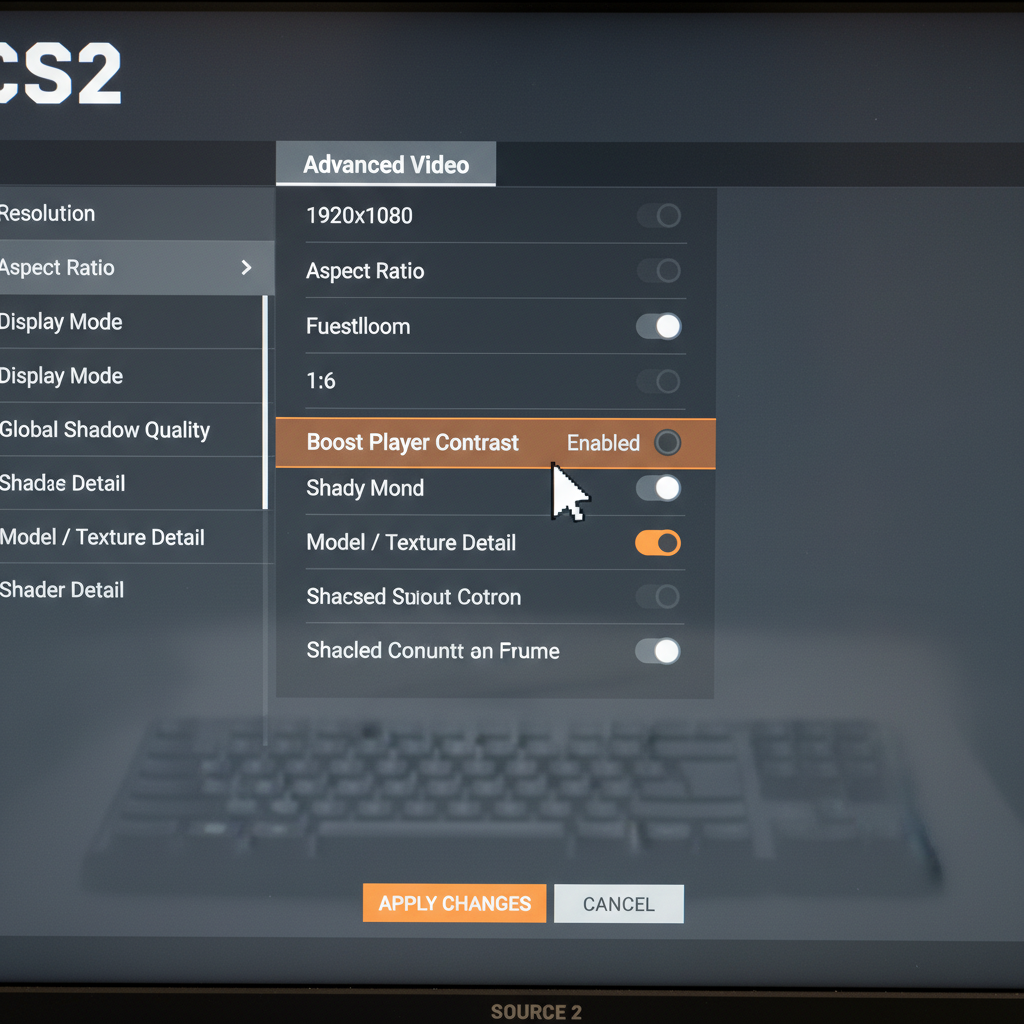
The single biggest fix: drop shadows to low and disable Boost Player Contrast. That alone gave me a 15-20 FPS bump on my potato test rig. After that, turn Multicore Rendering on (it’s the default, but double-check after patches), set Texture Filtering to Bilinear, and close Chrome. Chrome eats RAM like it’s free. That’s not a joke.
Set your launch options to -novid -high -console +fps_max 0. The -novid skips the intro. -high bumps process priority. +fps_max 0 removes the cap so your GPU can actually breathe. You can find the full launch-option list on the Counter-Strike support site.
If you’re grinding rank and the framerate is the main thing holding you back, a CS2 Premier boost can get you past plateaus while you save for a GPU upgrade. I’ve also seen players climb two divisions just from reading the CS2 Premier ranking guide and fixing their MR12 fundamentals.
Common CS2 specs mistakes I see on Reddit
One pattern I keep noticing in r/GlobalOffensive threads: people blame their GPU when their CPU is the actual bottleneck. CS2 is CPU-bound at 1080p low on any modern GPU. If you’re running an RTX 4070 with a Ryzen 5 2600, the CPU is dragging you down. Upgrading the 2600 to a 5600 will do more for your FPS than swapping the 4070 for a 4080.
Second mistake: buying 32 GB of RAM for CS2 specifically. Don’t. The game rarely touches more than 10 GB even on the longest overtime maps. 16 GB is plenty. Put the savings toward a 240Hz monitor, which actually changes how you play.
Third mistake (and this one hurt me personally): running CS2 on a hard drive. I did it for two weeks before caving. Map load times were triple what they should be, and on the new Thera map I was late to buy twice in warm-up. Get an SSD. Any SSD.
FAQ
Q: What are the minimum CS2 system requirements?
A: Windows 10 64-bit, an Intel Core i5-2500K or AMD FX-6300, 8 GB of RAM, a GTX 1050 or RX 560 class GPU, and 85 GB of free storage. That’s the bare floor. Expect low FPS and stutters on Premier lobbies.
Q: Can my PC run CS2 in 2026?
A: If it ran CS:GO at 60 FPS, it’ll probably boot CS2. But the April 2026 Animgraph 2 patch shifted some CPU load around, so older quad-cores feel rougher than they did last year. Check your CPU first, GPU second.
Q: How much storage does CS2 need?
A: Around 85 GB on SSD or HDD. Valve’s Steam store page lists this figure directly. An SSD isn’t required but load times and map streaming feel noticeably snappier, especially on Ancient and the new Thera map.
Q: Does CS2 need a dedicated GPU?
A: Yes. Integrated graphics on older Intel chips won’t hold a stable framerate. A GTX 1060 or RX 580 is the realistic starting point for 1080p medium. Iris Xe on thin laptops can launch it, but sub-60 FPS in clutches is common.
Q: What specs do I need for 144Hz CS2 competitive?
A: A Ryzen 5 5600 or Intel i5-12400 paired with an RTX 3060, 16 GB of DDR4, and an SSD will hold 240+ FPS on most maps at 1080p low. That’s the sweet spot for Premier without throwing money at an RTX 4090.
Bottom line
CS2 is playable on genuinely old hardware, but “playable” and “competitive-ready” are different planets. If you’re serious about climbing Premier, budget for a modern 6-core CPU before you touch anything else. For the rank grind itself, a CS2 Premier boost saves the bad-beat nights when your hardware is fine but your teammates aren’t.