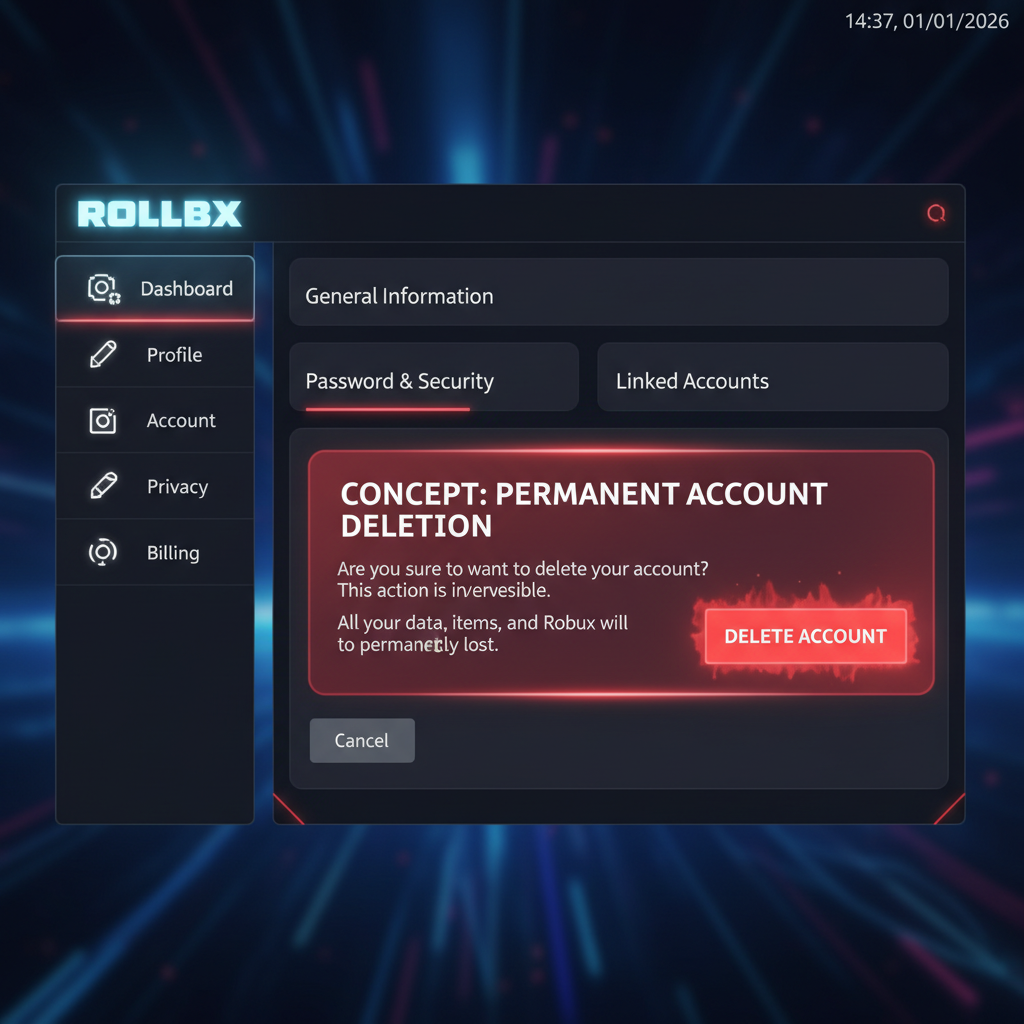
Figuring out how to delete a Roblox account is annoying because there’s no in-app button. You file a formal request, verify your ID, and wait about a week.
Last updated: April 14, 2026. Mandatory age verification rolled out globally on January 7, 2026, which nudged the deletion flow a little.
How to delete your Roblox account permanently
You can’t delete a Roblox account from the in-app settings. You file a Right to be Forgotten request through Roblox Support, verify your identity with a government-issued ID, and reply to the confirmation email. Processing takes roughly 3 to 7 business days, and it’s permanent.
That’s the whole thing in one paragraph. The rest of this post is the stuff nobody tells you: what actually happens to your Robux, how long it really takes, and when to deactivate instead.
Step-by-step: filing the Right to be Forgotten request
Here’s the exact path I followed on an alt I killed in March.
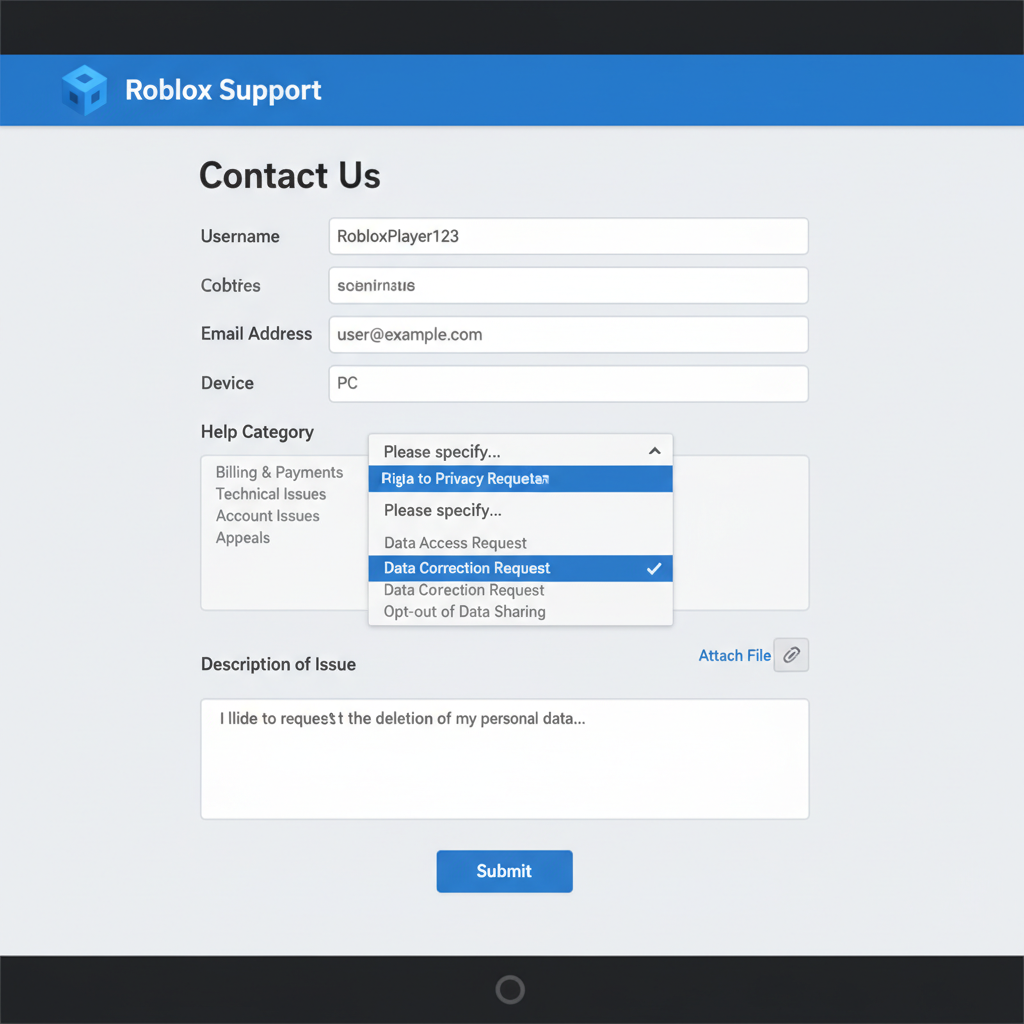
- Open https://www.roblox.com/support in a browser. The mobile app doesn’t have this option.
- Enter your account email and Roblox username.
- Pick your device from the dropdown.
- Under “Type of help,” choose Data Privacy Requests.
- In the sub-dropdown, pick Right to be Forgotten (RTBF).
- In the description box, write it plain: “I want my Roblox account permanently deleted.”
- Upload a government-issued photo ID. Passport, driver’s license, state ID, or residency permit all work.
- Submit.
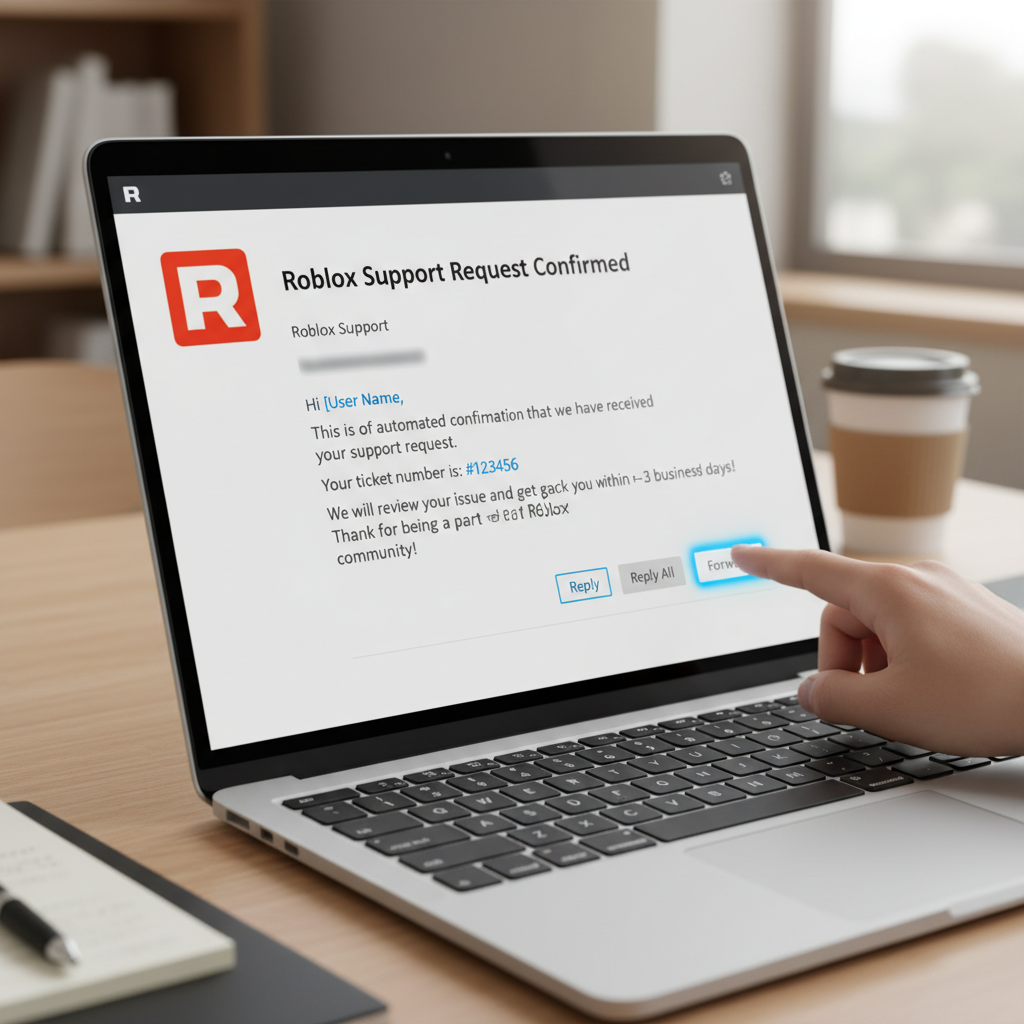
- Check your inbox. Roblox sends an automated confirmation. Reply to it. If you don’t reply, the request dies on the vine.
No phone call. No live chat. Just the form and an email thread.
How long does Roblox account deletion take?
Roblox Support usually processes deletion requests in 3 to 7 business days. Mine came back confirmed in 5. If support needs a clearer ID scan or the account is flagged, it can drag to two weeks.
My little brother’s account (he’s 11) took about 9 days because a parent had to co-sign the request. Under-13 accounts sit under COPPA rules, so support is extra cautious. I’ll get into that below.
What happens to your Robux, inventory, and friends?
Gone. All of it.
Once Roblox processes your Right to be Forgotten request, your username, Robux balance, owned items, favorites, friends list, and any games you built go with the account. Roblox’s own help page is explicit: deletion can’t be reversed.
I had roughly 14,000 Robux on an alt I killed off in February, and the account was gone inside five business days with zero chance of recovery. No refund. No transfer. If you’ve got a stash, burn it on something nice or gift it before you file the request.
(Dumb tip: check if you own any limited items. I found a Dominus I forgot about on that alt, sold it on trade days before the delete, and walked away with around 9k Robux worth of stuff on a different account.)
Can you delete a Roblox account for a child under 13?
Yes, but a parent or legal guardian has to submit the request. Roblox flags accounts under 13 for COPPA protection, so support treats them differently. The parent uploads their own ID plus the child’s birth certificate or school ID in a lot of cases.
If you’re the kid trying to wipe your account before mom sees the Robux spend, bad news. Roblox will kick it back and ask for a parent. I’ve seen this happen twice with friends’ younger siblings. Roblox also points parents to its Parental Controls FAQ, where deactivation from a linked parent account is sometimes faster than a full delete.
Deactivate vs delete: what’s the difference?
These are two very different things, and people mix them up constantly.
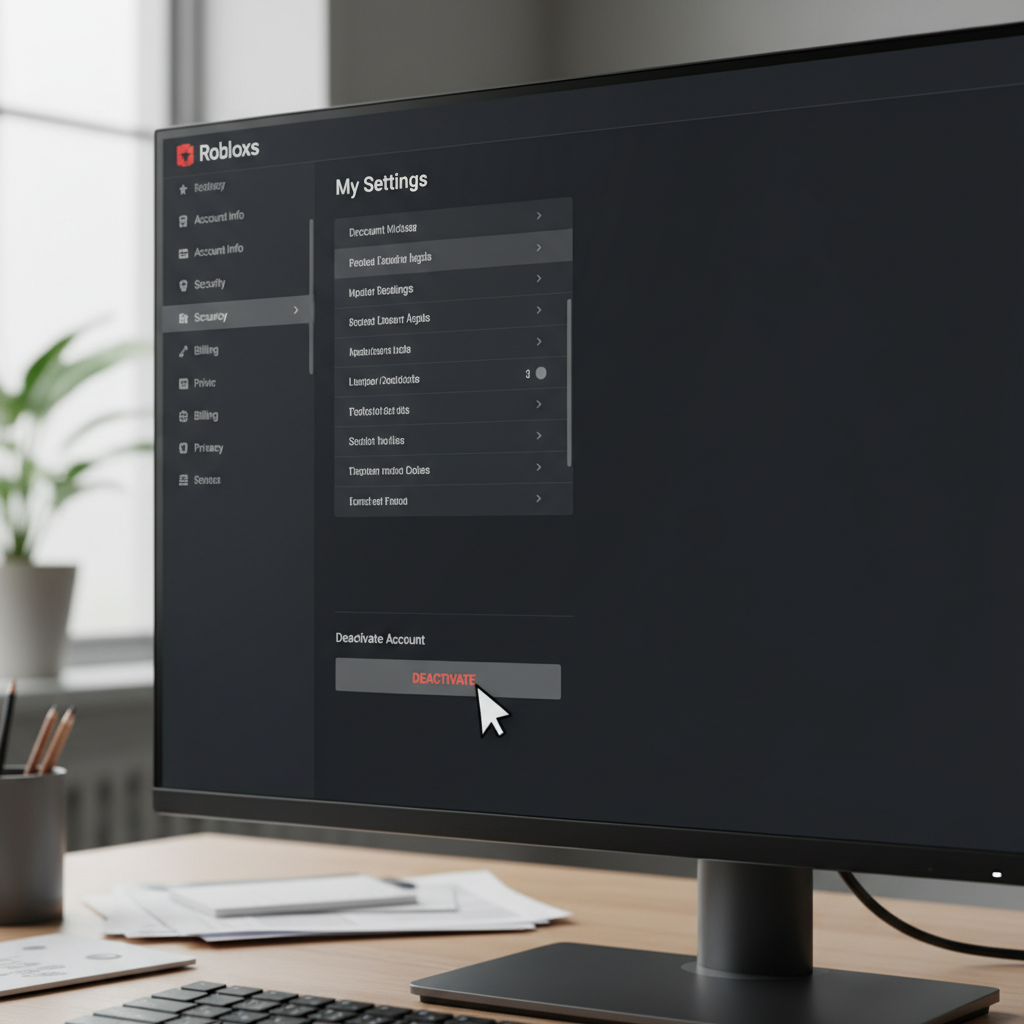
Deactivation is a pause. Your profile hides, your friends list goes dark, and nobody can see you online. Log back in later and everything comes back. Robux, inventory, friends, all of it.
Deletion is the end. Right to be Forgotten, ID upload, and after processing the account is gone forever. No appeal. No recovery.
Honestly, if you just want a break, deactivate. Seriously. Nine out of ten people I know who rage-deleted after a ban or a bad trade regretted it within a month, and Roblox doesn’t have a “my bad” button. Deleted stays deleted.
If you want a fresh start without the wait, starting from zero is rough, and a clean alt with some Robux and limiteds already on it beats grinding again. You can buy a Roblox account with inventory preloaded if you don’t want to farm for a year.
What changed in 2026
Since January 7, 2026, Roblox requires age verification for every user globally, part of the rollout around its new age-based account system covered in Roblox’s own newsroom. The deletion flow didn’t change, but the ID you upload now has to match the age Roblox has on file. Mismatch and support will pause the request.
Small detail, but it trips people up. A user on the Roblox DevForum posted last month that their request bounced because their ID age didn’t match the account’s birthdate. They had to file an age-correction ticket first, then restart the deletion. Two weeks wasted.
If your account has the wrong birthdate, fix that before you file.
Conclusion
Deleting a Roblox account means filing a Right to be Forgotten request through support, uploading ID, confirming the email, and waiting about a week. It’s permanent, so weigh deactivation first if you’re on tilt. Want a clean Roblox identity without the wait? Buy a Roblox account instead of restarting from scratch.