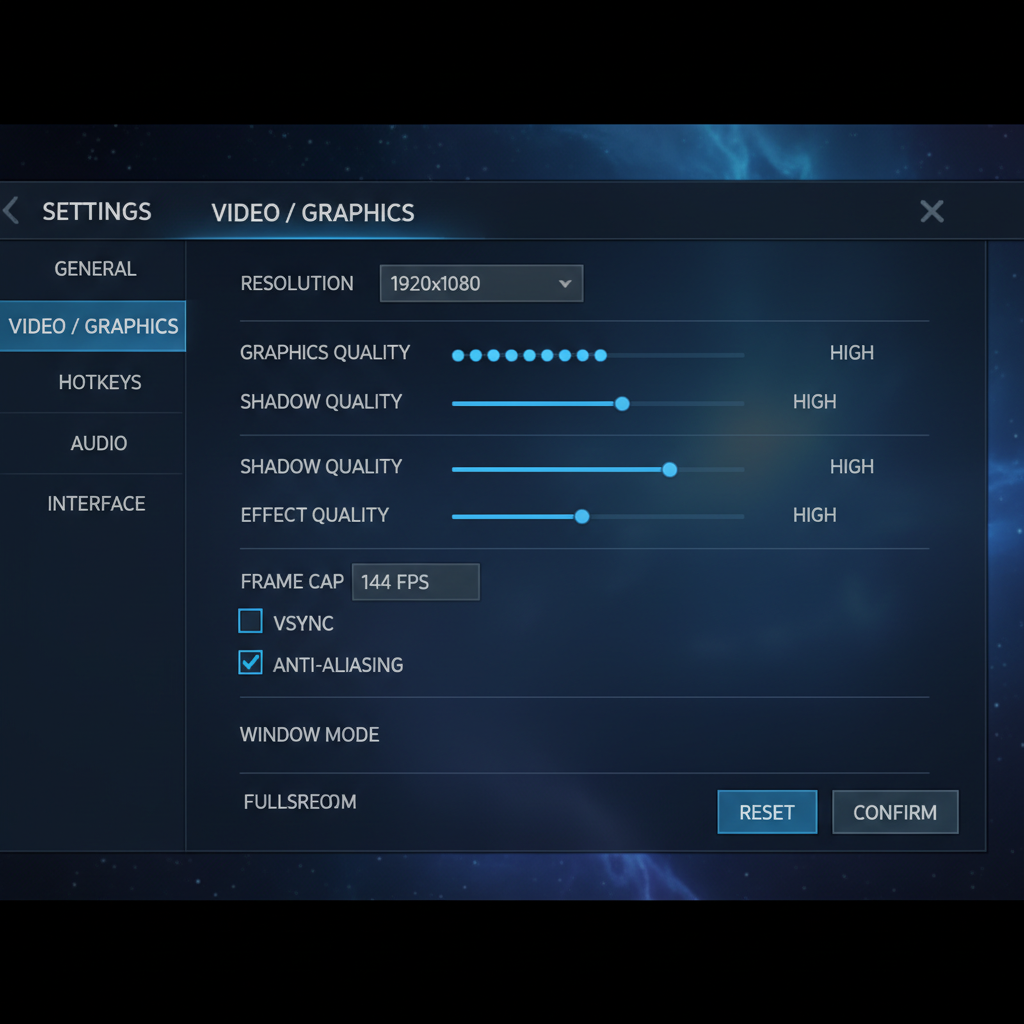
League of Legends runs on almost anything. If you’ve got a PC or Mac built after 2012, you can probably play it right now, but Riot did raise the floor with a DirectX 11 requirement that caught some players off guard. Here’s what you actually need for the league of legends system requirements in 2026.
Last updated: April 13, 2026, patch 26.7
What Are the Minimum Specs to Run League of Legends?
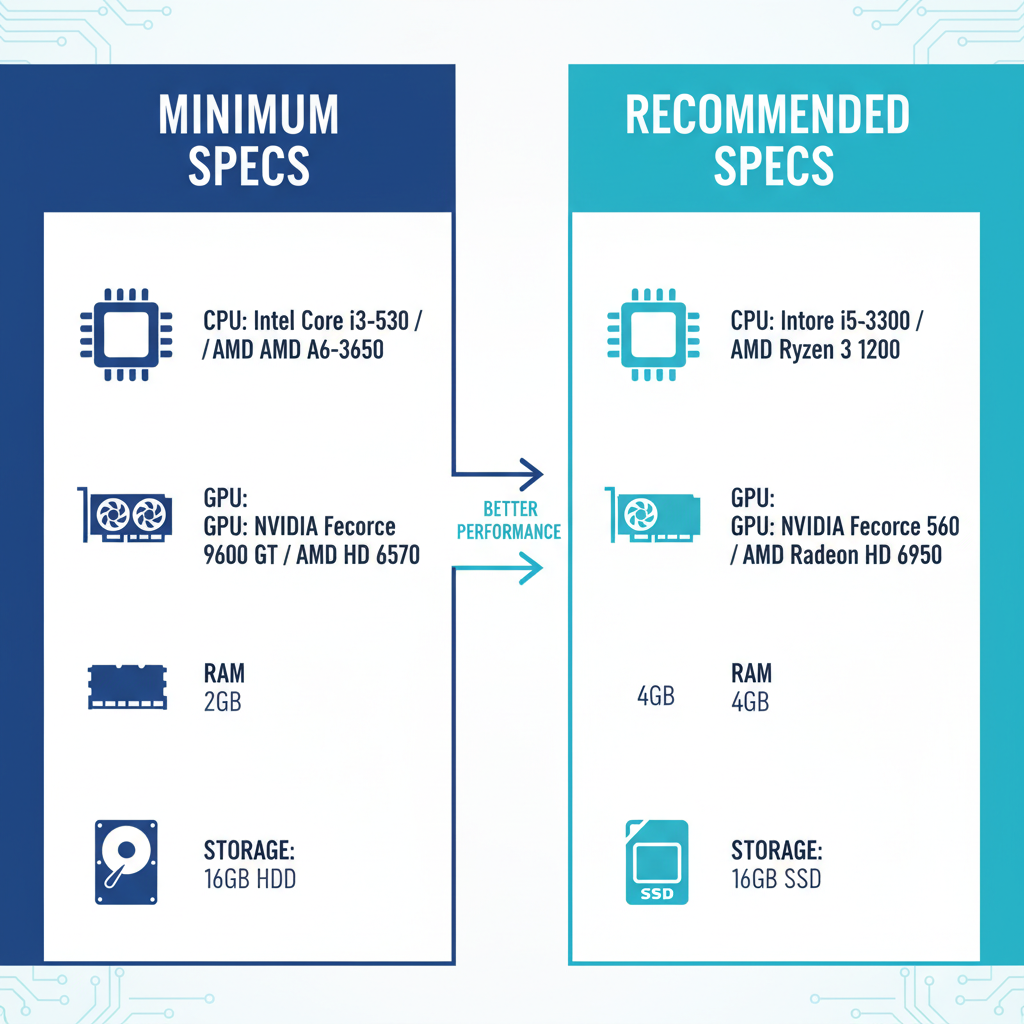
League of Legends requires at minimum an Intel Core i3-530 or AMD A6-3650 processor, 2GB of RAM, an Nvidia GeForce 9600 GT or AMD Radeon HD 6570 GPU with DirectX 11 support, 16GB of hard drive space, and Windows 10 Build 19041 or newer. These specs let you run the game on low settings at 1024×768 resolution.
Still, “minimum” means minimum. I loaded up a test game on an old office PC with an i3-530 and 2GB RAM last month. It ran. Barely. I’m talking 25 FPS in lane and single-digit drops in teamfights. You can technically play, but you’re going to int fights you should win because your screen turns into a slideshow every time someone pops an ultimate.
Here’s the full breakdown from Riot’s official specs page:
| Component | Minimum | Recommended |
|---|---|---|
| CPU | Intel Core i3-530 / AMD A6-3650 | Intel Core i5-3300 / AMD Ryzen 3 1200 |
| GPU | Nvidia 9600 GT / AMD HD 6570 / Intel HD 4600 | Nvidia GTX 560 / AMD HD 6950 / Intel UHD 630 |
| VRAM | 1GB | 2GB |
| RAM | 2GB | 4GB |
| Storage | 16GB HDD | 16GB SSD |
| OS | Windows 10 (Build 19041+) | Windows 10 64-bit |
| DirectX | 11 (feature level 11_0) | 11 |
| Resolution | 1024×768 | 1920×1080 |
What Are the Recommended League of Legends Specs for 60+ FPS?
The league of legends recommended specs ask for an Intel Core i5-3300 or AMD Ryzen 3 1200, 4GB of RAM, and an Nvidia GTX 560 or AMD HD 6950. With this setup, Riot says you can run the game on high settings at 1080p. That’s all you need for a smooth ranked experience.
Most players don’t need to stress about this. If you bought a PC or laptop in the last five years, you’re almost certainly above recommended specs. My daily driver has a Ryzen 5 5600 and an RTX 3060, and I sit at a locked 144 FPS on max settings. Total overkill for League, but the point is that even mid-range hardware from 2020 crushes this game.
For competitive play, I’d suggest aiming higher than Riot’s recommended list. You want consistent frame times, not just high average FPS. A cheap SSD alone makes a bigger difference than most people expect (you won’t be the last one loading into the game, saving your team from that 30 seconds of pregame tilt).
Does League of Legends Require DirectX 11 Now?
Yes. This is the biggest change to lol system requirements in recent memory. Riot announced in patch 25.02 that DirectX 11 feature level 11_0 would become mandatory for Windows, and Metal for Mac. The enforcement kicked in fully around patch 25.21.
If your GPU only supports DX9 or DX10, the Play button is greyed out. No workaround. You need hardware that supports DX11, which means at minimum a GeForce 400 series (Nvidia), Radeon HD 5000 series (AMD), or Haswell-generation Intel integrated graphics.
I think this was the right call from Riot even though it locked out some older hardware. The game’s been dragging legacy DX9 support for over a decade, and dropping it lets them push better visual effects without maintaining two rendering paths. If you’re on a GPU that doesn’t support DX11 in 2026, you were already having a rough time.
Can My PC Run League of Legends on Mac?
Riot supports League on Mac, but only Intel-based Macs. No native Apple Silicon support. Here are the Mac-specific lol minimum specs:
| Component | Minimum | Recommended |
|---|---|---|
| CPU | Intel Core i5-750 | Intel Core i5-3300 |
| GPU | AMD HD 6570 / Intel HD 4600 | AMD HD 6950 / Intel UHD 630 |
| RAM | 2GB | 4GB |
| Storage | 12GB HDD | 16GB SSD |
| OS | macOS 10.12 (hard requirement) | macOS 10.16 |
If you’re on an M1, M2, or M3 Mac, the game runs through Rosetta 2 translation. It works for most people, but you’ll occasionally hit weird bugs that Intel users don’t see. According to the League of Legends Wikipedia page, the game was originally built for Windows and the Mac client has always been a secondary priority for Riot.
How to Check If Your PC Meets League of Legends Requirements
Don’t guess. Here’s the fast way:
- Press Win + R, type
dxdiag, hit Enter - The System tab shows your CPU and RAM
- The Display tab shows your GPU and DirectX feature level
- Compare against the table above
If you see “Feature Level: 11_0” or higher on the Display tab, you’re good for the DirectX requirement. If your GPU only shows 10_1 or lower, you’re locked out.
You can also use Riot’s support page to cross-reference your hardware directly. And if you want the easiest check, just download the client and try. It’s free.
For storage, Riot lists 16GB as the requirement, but set aside 25GB if you can. Patches stack up. My install folder is sitting at 22GB right now after a full season of updates.
Quick Tips to Boost FPS on Low-End Hardware
If you meet the league of legends requirements but your FPS is still rough, try these:
- Enable “Close Client During Game” in the client settings. This frees up 10-20% of your system resources that the launcher would otherwise hog during gameplay.
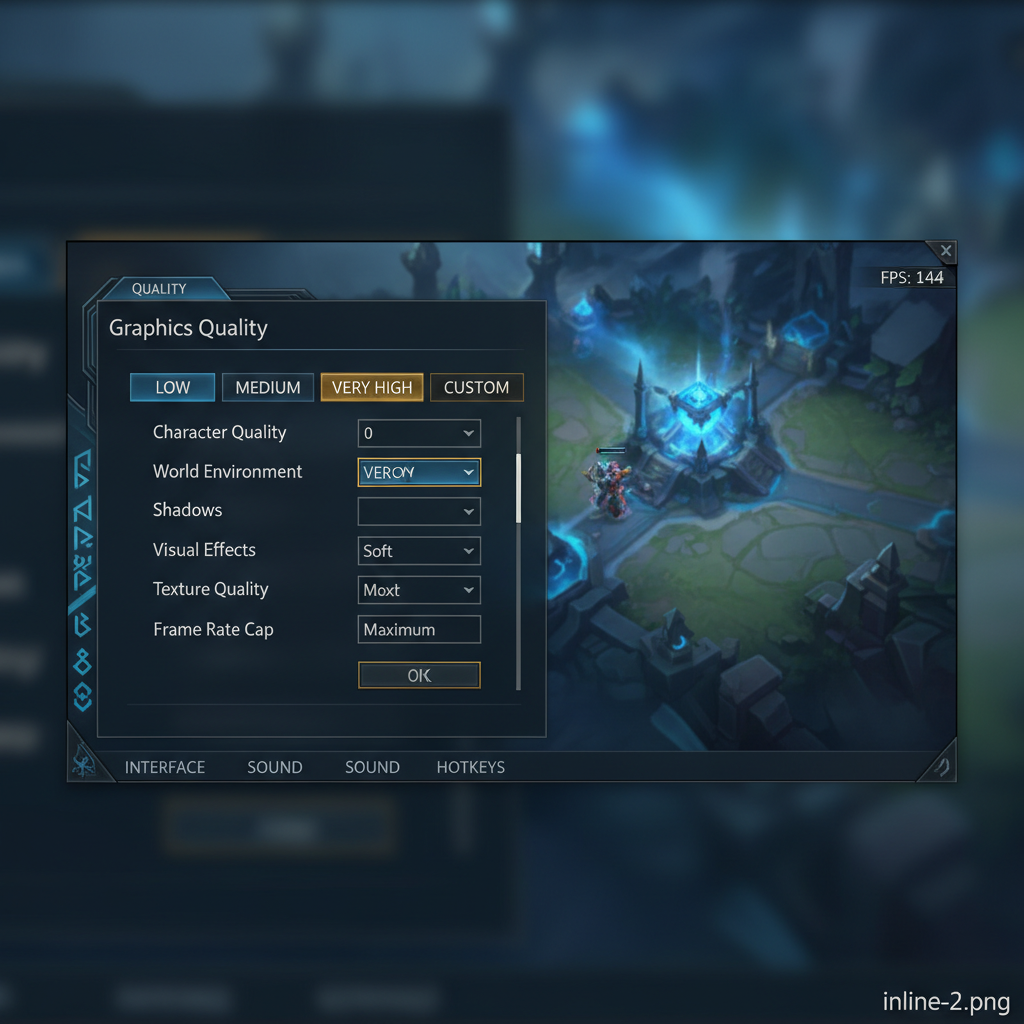
- Turn off shadows. Seriously. Shadows are the single biggest FPS killer in League, and most high-elo players disable them anyway (they can actually obscure ground indicators).
- Set character quality to Medium, environment to Low. You’ll barely notice the difference in a teamfight.
- Cap your FPS at your monitor’s refresh rate. Running uncapped just heats your GPU for no reason.
- Use an SSD. Even a cheap 120GB SATA SSD costs under $20 and cuts load times in half.
If you’re looking to climb ranked on a budget build, check out how ranked works in LoL before you queue up. Hardware only gets you so far.
Is It Worth Upgrading Your PC Just for League?
Probably not. Not for League alone. The game is designed to run on potatoes. But if you’re playing other titles too (Valorant, CS2, Fortnite), then a budget upgrade makes sense.
A used Ryzen 3 3100 and GTX 1050 Ti can be found for under $150 total on the secondhand market. That combo runs League at 144+ FPS on high settings and handles most other competitive games at 60 FPS. If you’re hardstuck and want to eliminate hardware as an excuse, that’s the sweet spot.
Or skip the upgrade entirely. Grab a fresh LoL smurf account and see if the problem is actually your rank, not your rig (spoiler: it probably is). And if you want to jump straight to a higher rank while you sort out your setup, LoL rank boosting exists for exactly that reason.
League’s low system requirements are one of the reasons it’s stayed the most popular PC game on the planet for over a decade. Riot knows their audience. Not everyone has a $2,000 gaming PC, and they don’t need one. A ten-year-old laptop, 4GB of RAM, and a stable internet connection. That’s all it takes to hit the Rift.
FAQ
Can I run League of Legends on 2GB RAM?
Technically yes, 2GB meets the minimum spec. But you’ll sit at the loading screen longer than everyone else, and teamfights will stutter. I’ve seen friends with 2GB setups drop to 15 FPS in late-game ARAM. Upgrade to at least 4GB if you can.
Does League of Legends support Apple Silicon Macs?
Not natively. Riot only supports Intel-based Macs right now. You can run it through Rosetta 2 translation on M1/M2/M3 chips and it works fine for most players, but don’t expect official Apple Silicon optimization anytime soon.
Why does League require DirectX 11 now?
Riot announced the DirectX 11 requirement starting with patch 25.02 and enforced it fully around patch 25.21. They’re modernizing the rendering pipeline and dropping support for older DX9/DX10 hardware. If your GPU doesn’t support DX11, the Play button will be greyed out.
How much storage space does League of Legends actually need?
The base install is around 16GB, but Riot recommends setting aside up to 25GB of SSD space. Patches add up over time, and an SSD cuts your loading screen time significantly. Nobody wants to be the last person loading into a ranked game.
Can I play League of Legends on a laptop?
Absolutely. Any laptop with Intel UHD 630 or better integrated graphics, 4GB RAM, and an SSD will hit 60+ FPS on medium settings at 1080p. I played on a 2019 ThinkPad for three months and held a steady 70 FPS with shadows off. League is one of the lightest competitive games out there.